Favorites
Mark important files for quick access later.
YOUR EVERYDAY DOCUMENT VIEWER
Open and read PDF, Word, Excel, and PPT files, with basic file tools.
From everyday documents to spreadsheets and slides, TempoPDF keeps reading simple. Open a file in its original layout and get straight to what matters.
Explore TempoPDF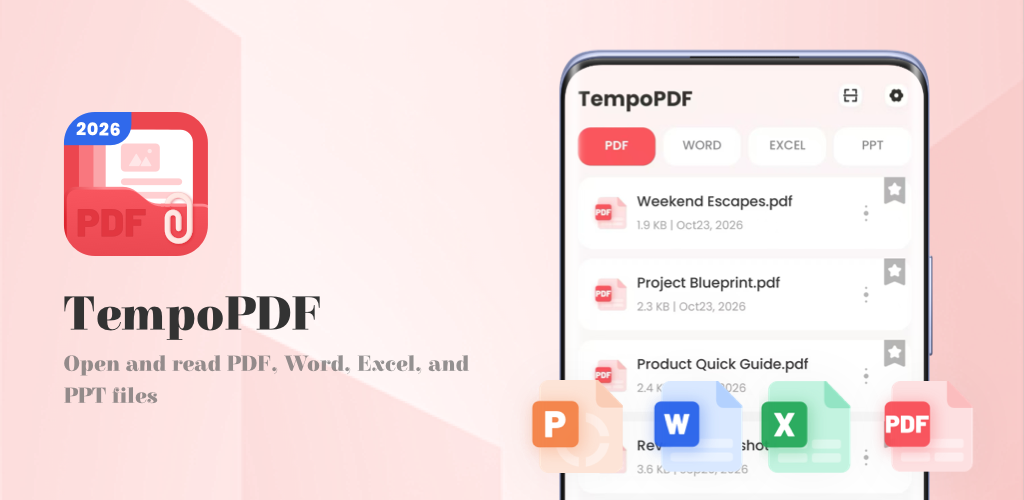
FOUR FAMILIAR FORMATS
Read the most common office file formats without a conversion step.
.docx
.xlsx
.pptx
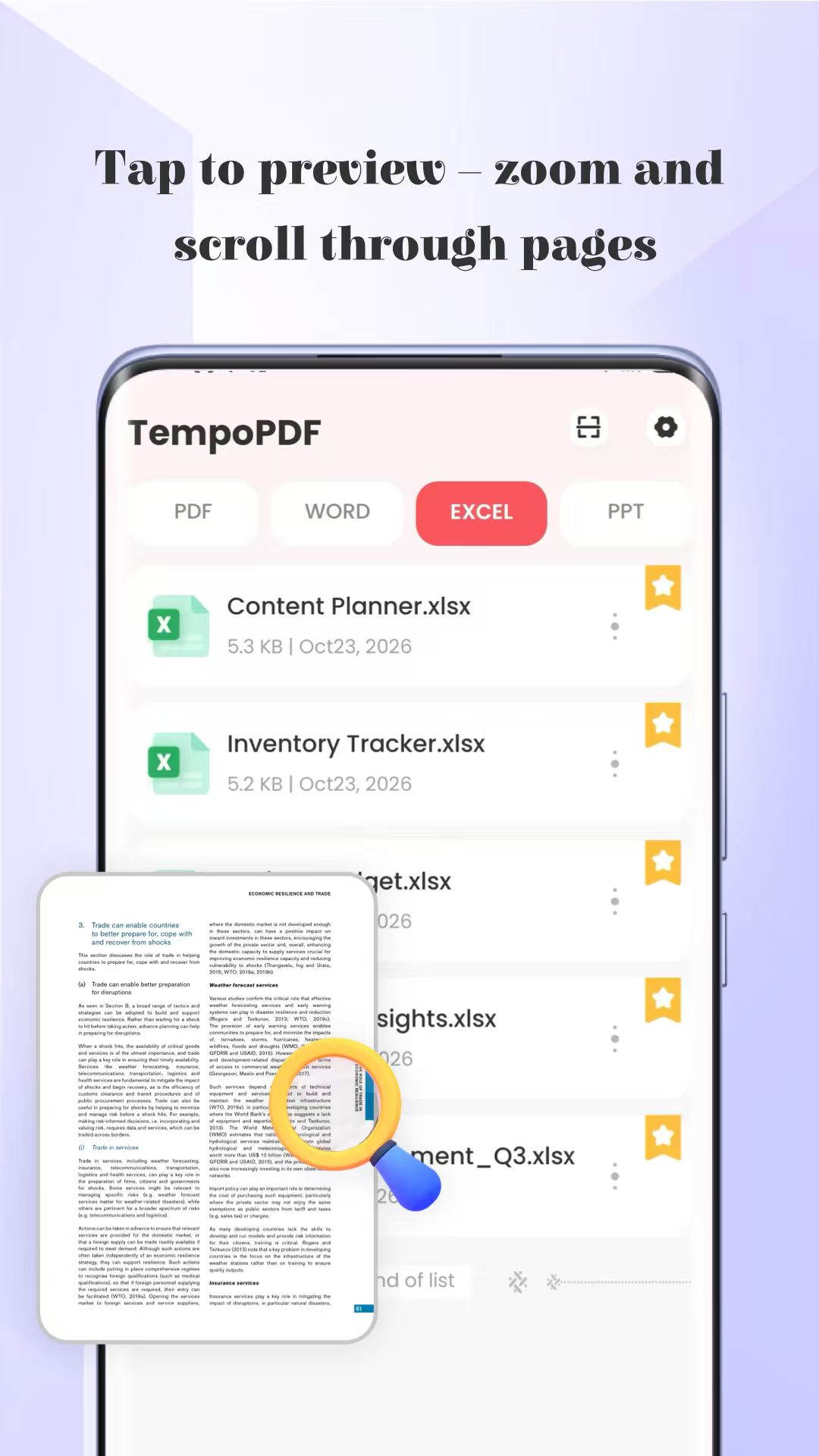
OPEN. ZOOM. KEEP READING.
Documents appear in a simple list with the file name, size, and storage location. Tap a file to move straight into the reading view.
No conversion step required.
Just open your file and start reading.
THE USEFUL LITTLE THINGS
Basic file tools, right where you need them. Keep your document list organized without leaving TempoPDF.
Mark important files for quick access later.
Send documents through your system’s sharing panel.
Change file names directly within the app.
Remove files you no longer need from local storage.
KNOW BEFORE YOU OPEN
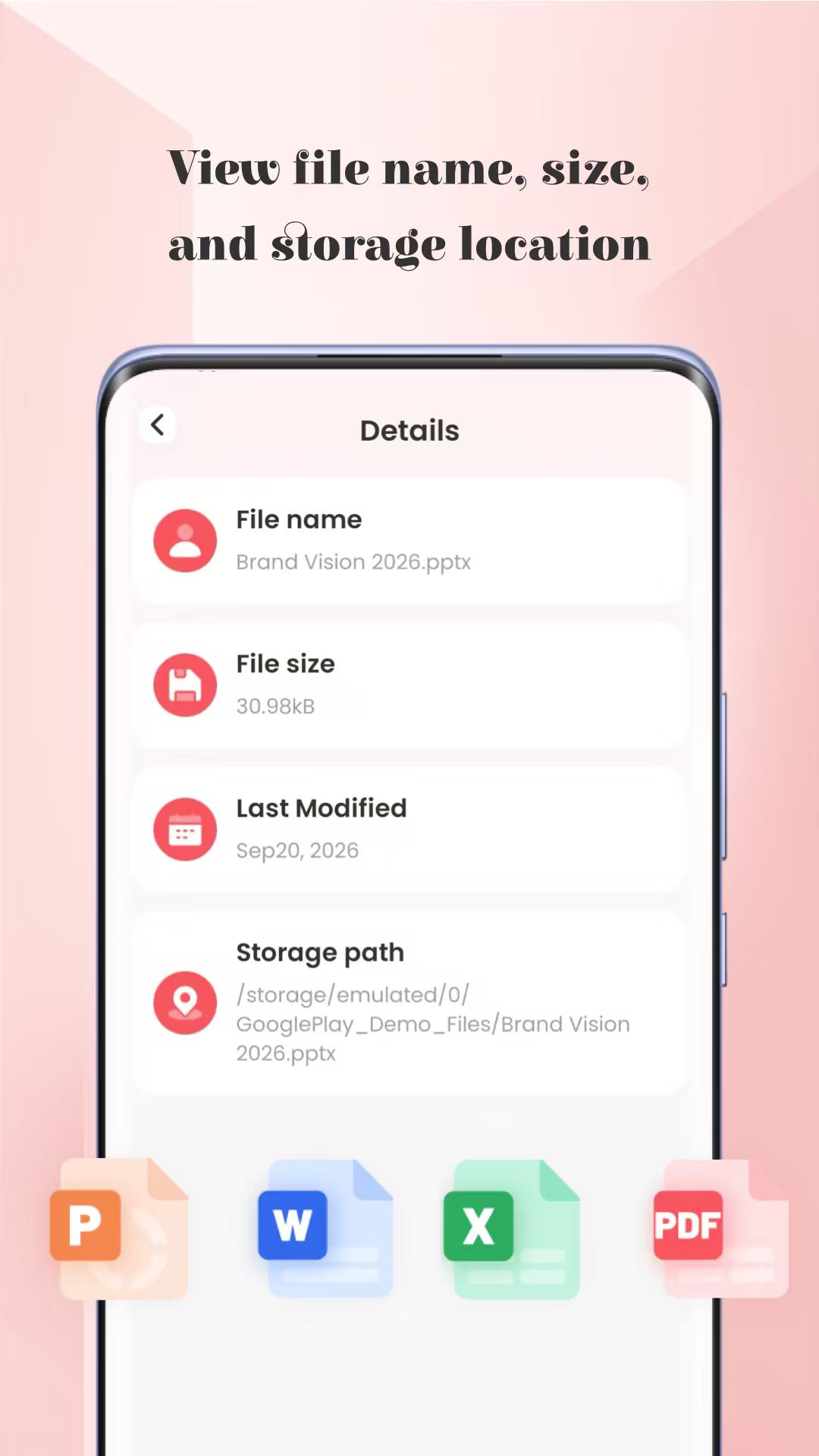
Check a document’s information before opening it. A clear details view helps you confirm exactly which file you’re looking at.
LOCAL & OFFLINE
Reading and file management take place on your local storage. TempoPDF does not upload your documents, so you can open, read, and organize them offline.
A FEW THINGS TO KNOW
TempoPDF opens PDF (.pdf), Word (.docx), Excel (.xlsx), and PowerPoint (.pptx) files. Each document is displayed in its original layout, with no conversion step required.
Yes. Reading and file management work with the documents on your local storage. Your document files are not uploaded to a server.
TempoPDF is for anyone who needs to open and read common office documents and perform basic file management. It brings reading, favorites, sharing, renaming, and deleting into one straightforward tool.
TempoPDF — a straightforward home for your everyday documents.